Version 3.0
Twice as much fun as 2.0.
3.0 rebuilds Theme Park Waits from the ground up on ScrollKit. It’s more robust and more alive: ride icons that move, cinematic screen transitions, playful ways of revealing each number, and a boot sequence that swarms the letters into place. Every clip below is real 3.0 output, rendered straight from the app’s own simulator.
Ride icons that move
Over 80 hand-drawn 64×32 icons, each with its own animation: rockets lift off on a trail of embers, dragons breathe fire, boats bob on the water.
Want your favorite ride to have its own? They’re part of the open-source code, so you can make your own.

Space Mountain
A spired cone under a twinkling starfield.

Jungle Cruise
A little boat lifts and settles on the river.

Haunted Mansion
A ghost fades in and out of the dark.
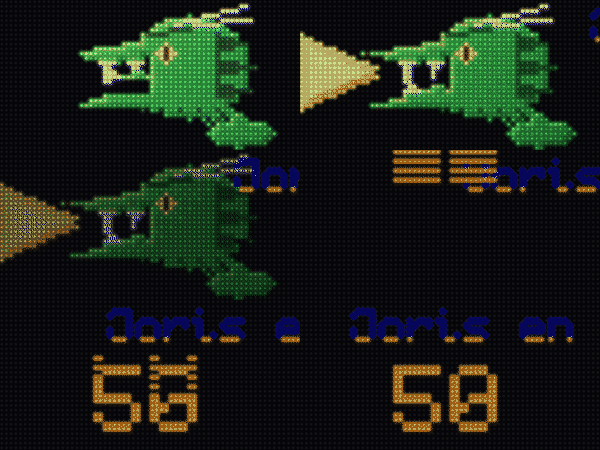
Fire-breather
A dragon breathes a flicker of flame.

TRON Lightcycle
The light-cycle streaks across the grid.
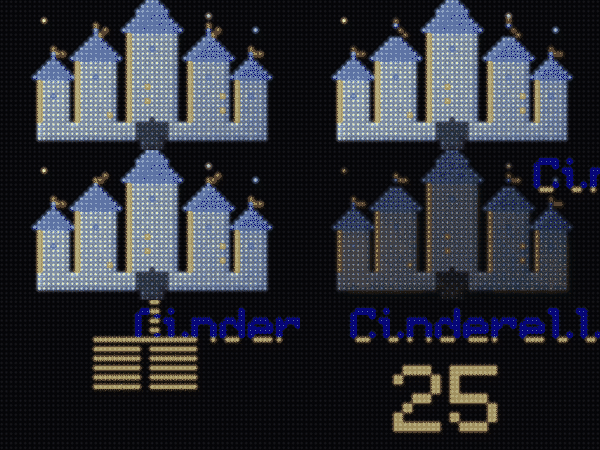
Castle
The classic spires, twinkling at the tips.
Thirteen screen transitions
Screens don’t just cut. They dissolve, snap, and fold. The app picks one at random per screen, so the motion never loops the same way twice.

Pixel Dissolve
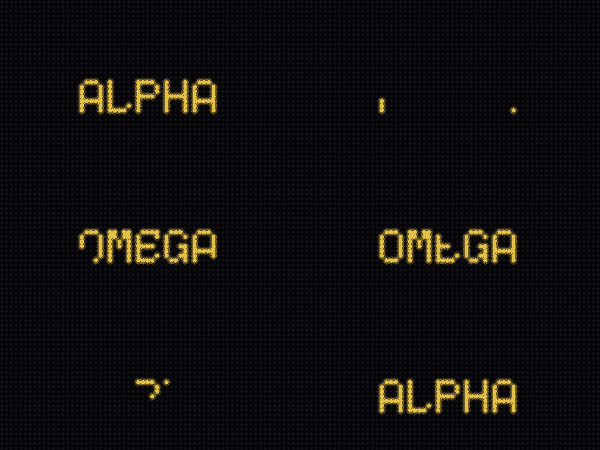
Iris Snap
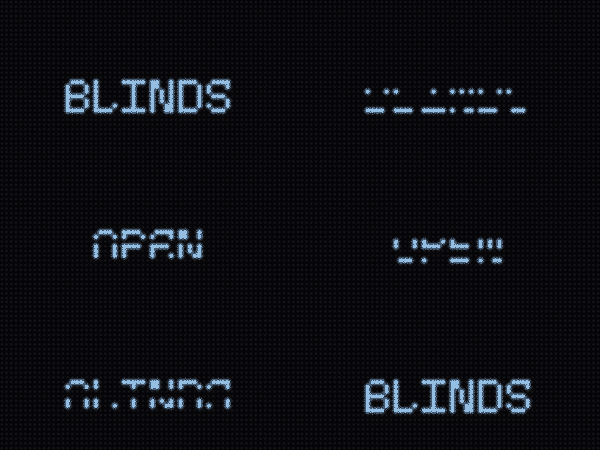
Venetian Shutters
…plus Drop from Sky, Column Rain, Gradual Reveal, Scan Fold, Horizontal & Diagonal Wipe, Glitch Bars, Mosaic Resolve, CRT Collapse, and Light Slit.
Playful number reveals
Even the wait time makes an entrance. Digits rain in, swarm into place, or flip through a split-flap board.

Rain
Digits drip in from the edge.

Swarm
A flock of pixels flies the number in.

Split-Flap
Old-school departure-board flips.
Power-on
A boot splash worth watching
Every power-up opens with a swarm of pixels that assembles into the words “Theme Park Waits” before the first ride scrolls in.

Built to run in the field, unattended
The fun is only half the story. 3.0’s bigger leap is reliability. It’s designed to sit on a shelf for months and recover from trouble on its own.
Hardware watchdog
If the display loop ever wedges (say a network call hangs), a hardware timer resets the board within seconds instead of leaving it frozen until you unplug it.
Reboot-loop safe mode
If something makes it restart over and over, it stops, shows “Safe mode: reconfigure,” and keeps the config page reachable so you’re never locked out.
Self-healing WiFi
After a power blip or a flaky router, it reconnects on its own with a backoff, only falling back to the setup portal if the network is truly gone.
Fault-tolerant data fetching
Per-request timeouts, a low-memory floor, and a last-resort reboot after a long run of failed fetches. (3.0 also shipped self-installing updates over the internet; later 3.x releases removed them, and Update your sign explains why and covers the ten-minute USB job that replaced them.)
Like what you see?
Build your own in an afternoon, or read how the whole thing is put together.