Build your own theme park ride wait time display
Four off-the-shelf parts, a 3D-printed case, and about half an hour with a screwdriver. No soldering, no subscription. Just live ride times from 100+ parks on your desk.
BeginnerDifficulty
~30 minAssembly
NoneSoldering
~$80In parts
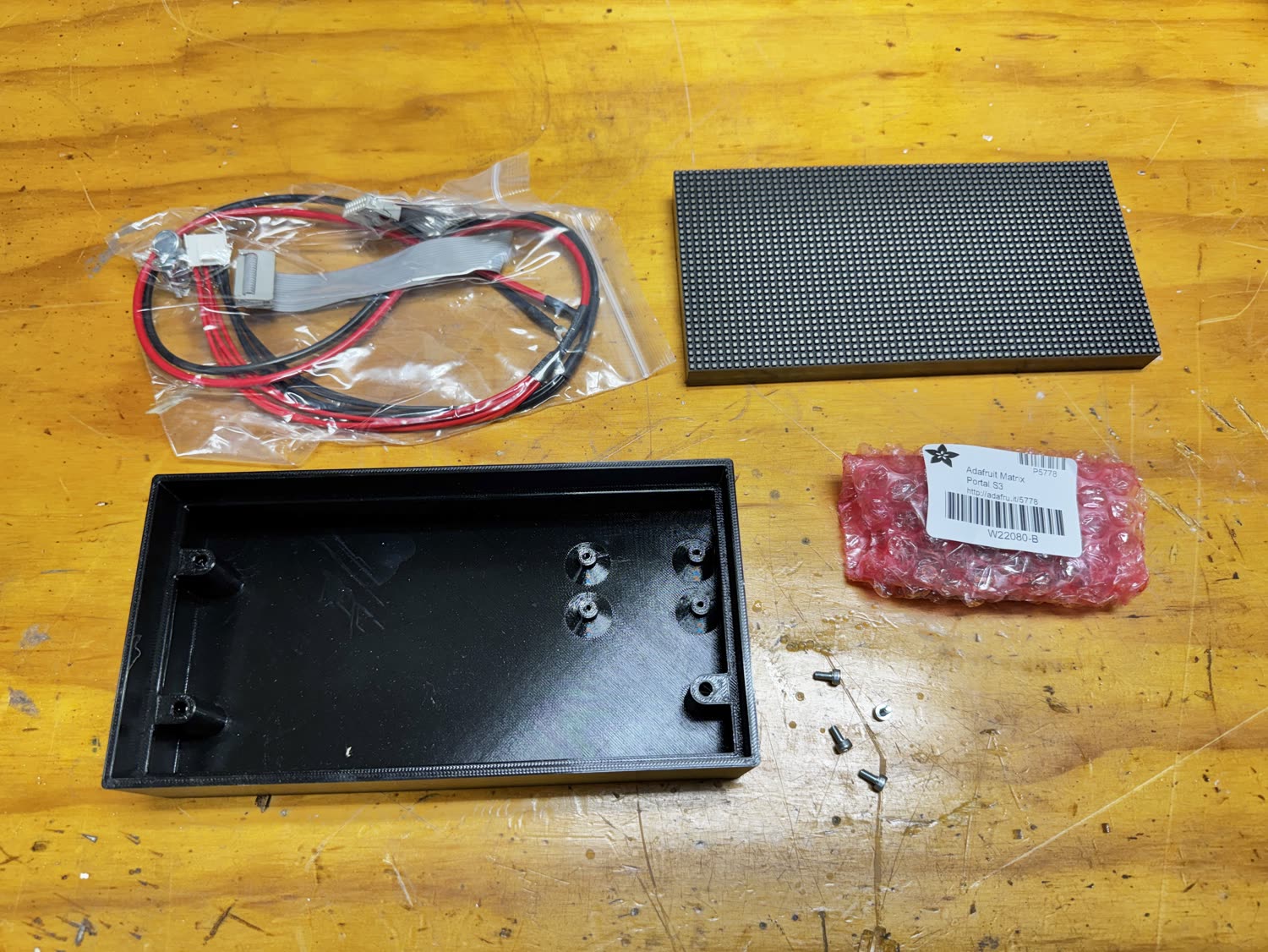
Parts you’ll need
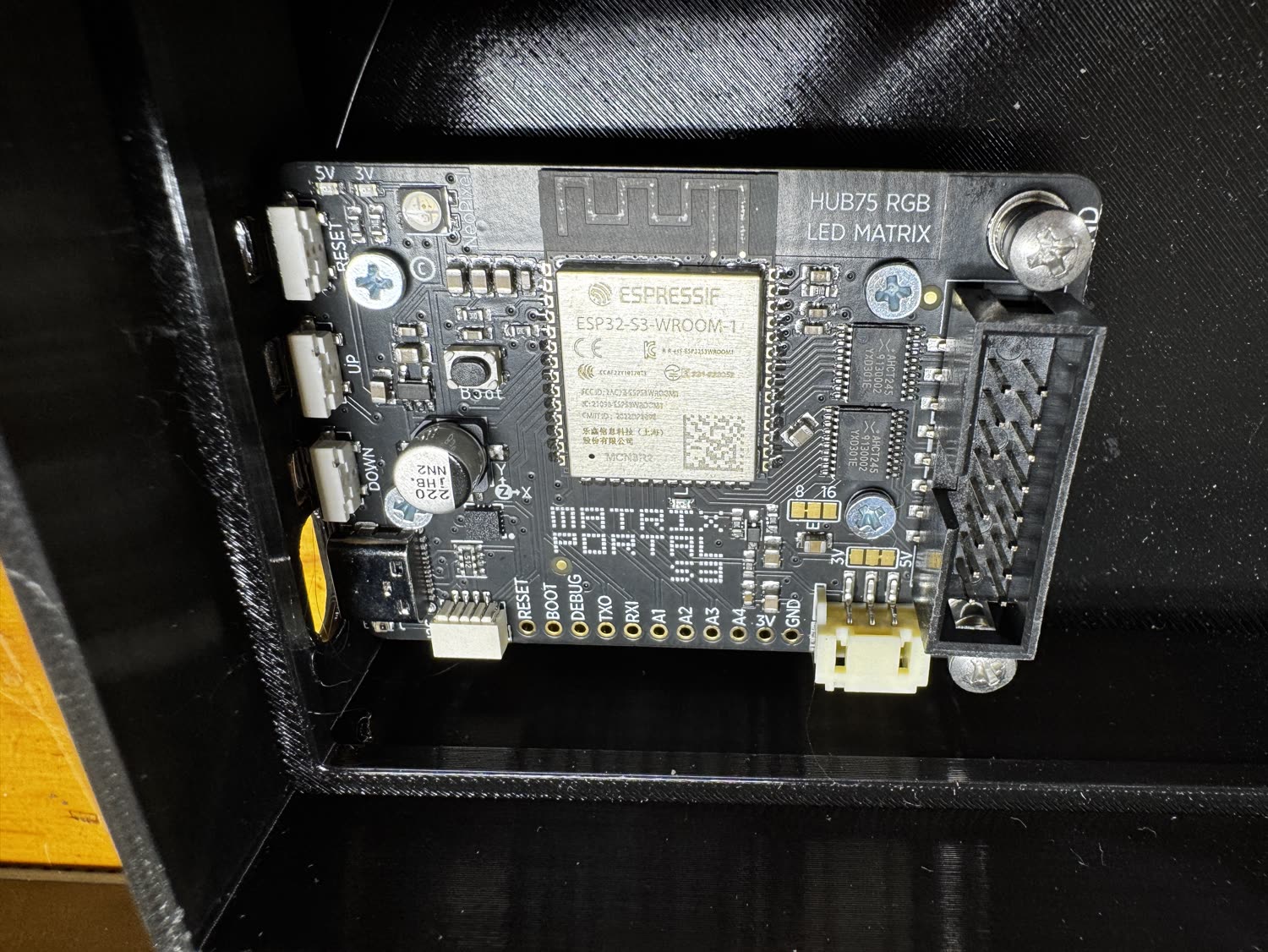
The CPU board was designed by Limor Fried and is manufactured in New York City. Everything plugs together. Nothing to solder.
No kit, no checkout. I don’t sell hardware or run a store. These links point to the standard parts so you can buy your own. They’re not affiliate links; I don’t make anything if you click them.
-
Adafruit Matrix Portal S3
View at Adafruit -
64×32 RGB LED matrix panel, 3 mm pitch (P3), HUB75
View at Adafruit -
5 V USB-C power supply (3 A+)
View at Adafruit -
USB-C cable
View at Adafruit -
Fasteners
-
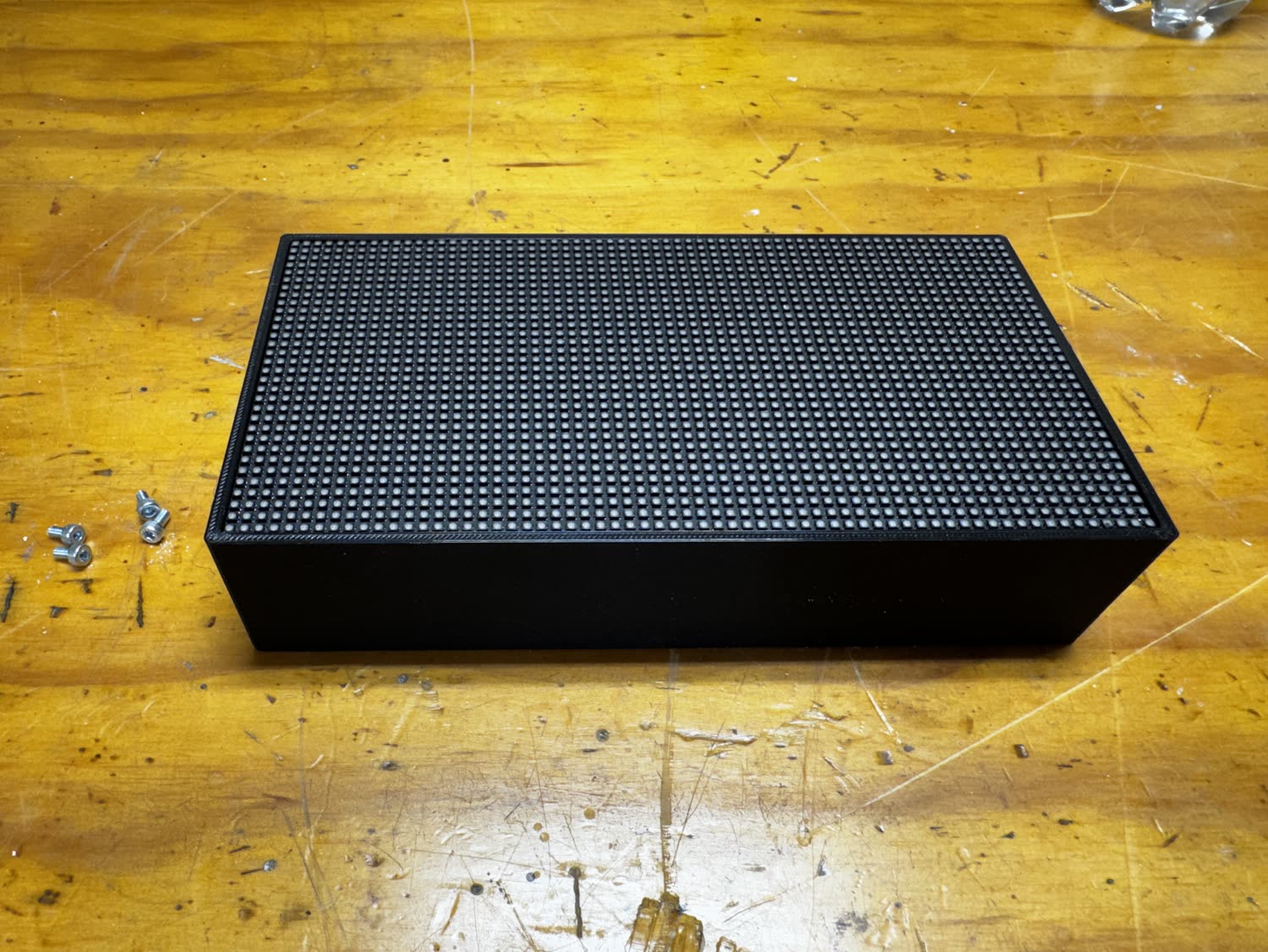
3D-printed case: body + faceplate
Get the files ↓
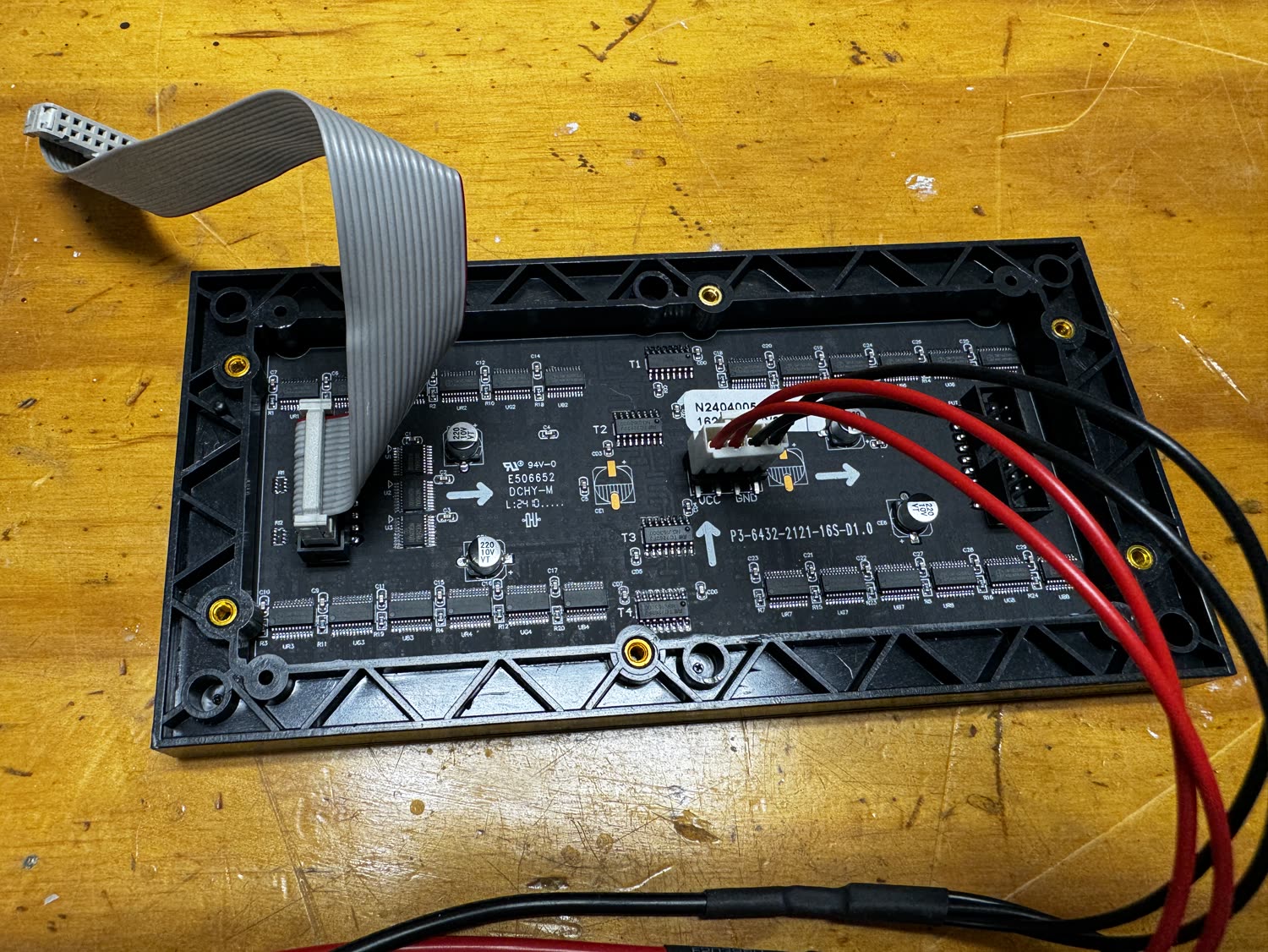
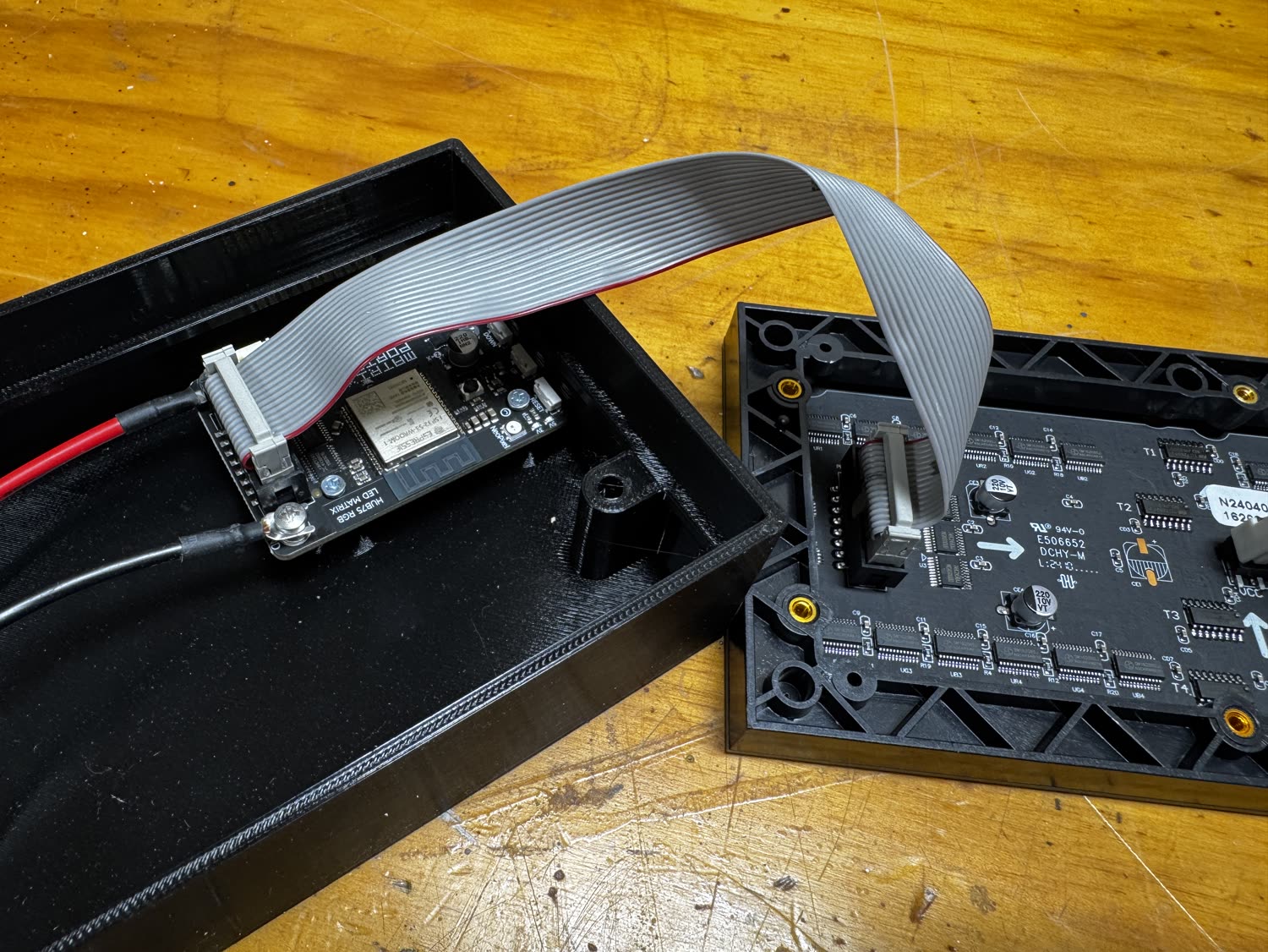
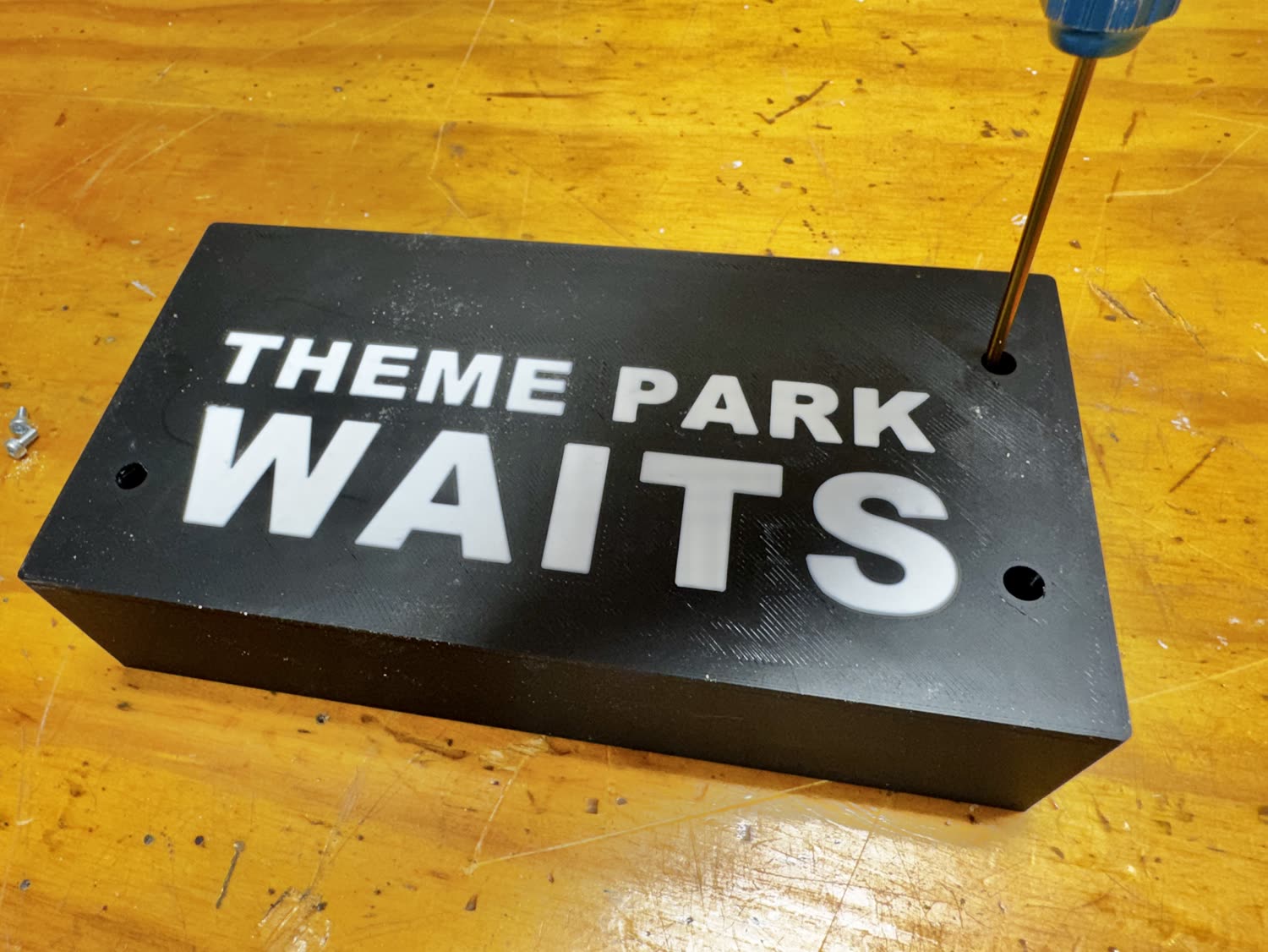
No soldering required. The Matrix Portal S3 has a HUB75 header that mates straight to the panel, and power is a plug-in connector. The only heat involved is optional: the faceplate can take M3 heat-set brass inserts, or you can self-tap the screws into the printed holes.
3D-printed case & software
The case prints in two colors (a black body with white lettering) on any FDM printer. Recommended profile: 0.4 mm nozzle, 0.2 mm layers, PLA, about 6 h 35 m per set. Do a filament swap at the text layer for the two-tone look.
- Case: branded faceplate + body (.3mf) Download .3mf
- Case: plain (.stl) Download .stl
-
CircuitPython 9.2.8 (Matrix Portal S3)
Download .uf2 -
Theme Park Waits 3.0 software
Download .zip
Specifications
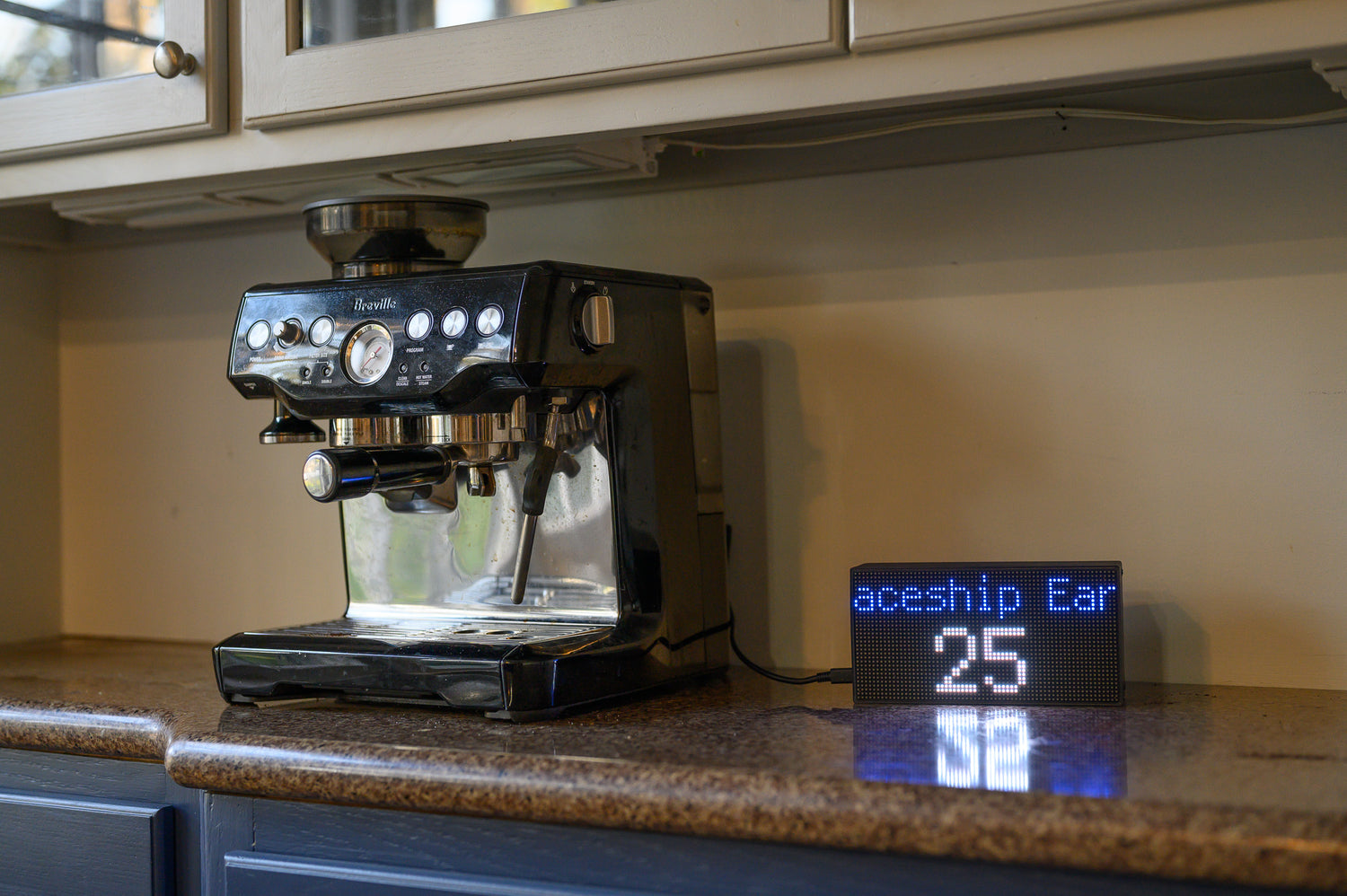
| Display | 64×32 RGB LED matrix, 3 mm pitch (P3), retro 8-bit look |
| Display Size | 7.5 × 3.75 in (190 × 95 mm) |
| Controller | Adafruit Matrix Portal S3 (ESP32-S3, CircuitPython) |
| Connectivity | WiFi (2.4 GHz) |
| Data Source | themeparks.wiki API (no key, no account) |
| Wait-time refresh | Every 10 minutes |
| Parks Supported | 100+ worldwide, up to 4 at once |
| Reliability | Hardware watchdog, reboot-loop safe mode, self-healing WiFi |
| Software Updates | Free, over USB (park list updates on its own) |
| Power | USB-C, 5 V |
| Assembly | No soldering, plug-together |
Warning: DO NOT LEAVE IN A CAR IN THE DIRECT SUN DURING THE SUMMER, ESPECIALLY IN FLORIDA!